
A plain-English guide to RAM, GPUs, processors, SSD storage, and True Wireless Stereo audio — the parts that decide how your setup actually performs.
The need for faster memory has driven RAM technology forward. DDR5 is the current standard, compatible only with the latest motherboards and processors. Here's a brief look at the generations that came before it.
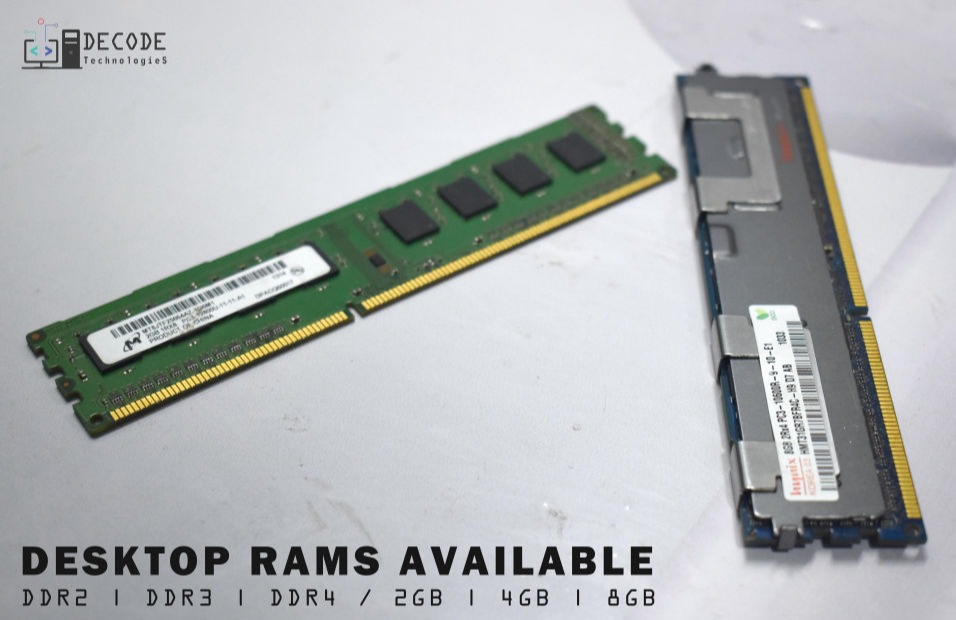
Developed in 1988, the oldest RAM generation. Syncs with the CPU's timing and reads/writes once per clock cycle.
Introduced in 2000. Transfers data twice per clock cycle instead of once, making it significantly faster than SDRAM.
Introduced in 2003. Twice as fast as DDR thanks to an improved bus signal, reaching data rates of 533 to 800MT/s.
Introduced in 2007 with double the bandwidth of DDR2, plus lower power draw (1.8V to 1.5V) — great for battery-operated devices.
Released in 2014 with a lower 1.2V operating voltage and higher transfer rates, making it faster and more efficient than DDR3.
The GPU (Graphics Processing Unit) is a specialized chip that renders graphics and images through rapid, parallel calculations, making it essential for machine learning, gaming, and video editing. Nvidia and AMD are the biggest names in the GPU market today.
NVIDIA's GeForce range is the go-to solution for gaming PCs, delivering higher quality settings, smooth frame rates, and support for sharp high-resolution monitors beyond what integrated graphics can offer.
AMD Radeon is an affordable alternative to NVIDIA GeForce, delivering strong frame rates for gaming, machine learning, video editing, and 3D design.
"Generation" refers to major updates in Intel processor architecture. Intel® Core™ names include a generation number before the model number — the higher the number, the newer and better the chip.
1st – Nehalem
2nd – Sandy Bridge
3rd – Ivy Bridge
4th – Haswell
5th – Broadwell
6th – Skylake
7th – Kaby Lake
8th – Kaby Lake R
9th – Coffee Lake
10th – Comet Lake / Ice Lake
11th – Rocket Lake / Tiger Lake
12th – Alder Lake
13th – Raptor Lake
To identify yours: Settings → System → About. Next to Processor, the first number after i3, i5, or i7 tells you the generation.
Threads divide a CPU's physical cores into virtual ones — up to 2 per core — letting you multitask, like listening to music while browsing the web. Intel calls this hyper-threading; AMD calls it simultaneous multithreading.
Types of threads: Fibers (lightweight, run one at a time), kernel threads (managed by the OS to run tasks simultaneously), and user threads (created by applications without kernel support).
High-thread CPUs:
Intel Core i9-7960X
Intel Core i9-7980XE Extreme
Intel Core i9-7940X
AMD Ryzen Threadripper 1950X
Intel Xeon Platinum Series
Solid-State Drives (SSDs) are replacing HDDs in modern computers. Using flash-based memory, they boot up, load programs, and save files faster. The two common types are SATA and PCIe NVMe. Here's why SSDs beat HDDs:
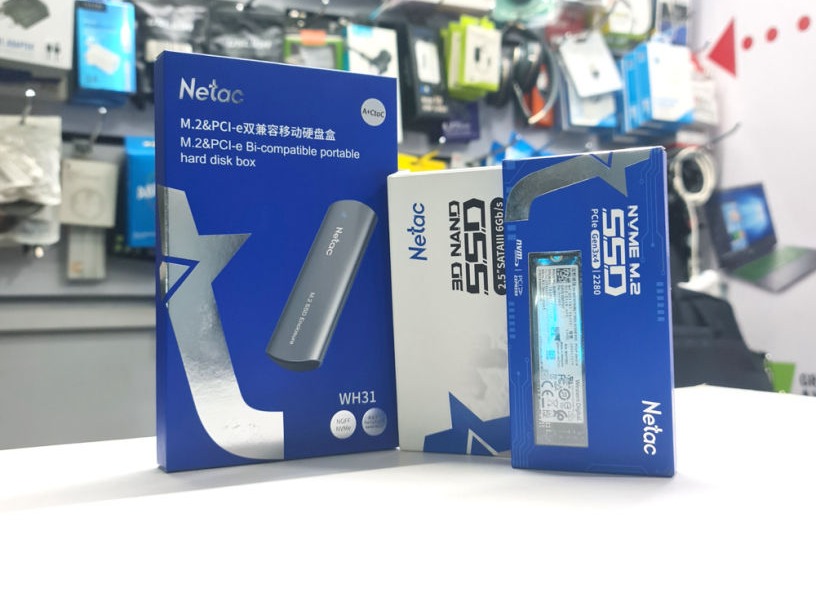
With no moving parts, SSDs are more shock-resistant and handle heat better than HDDs — drop a laptop, and the screen breaks before the SSD does.
With access speeds of 35 to 100 microseconds, SSDs deliver 100 times the performance of HDDs and faster website loading.
Due to the lack of moving parts, SSDs need less power to operate than HDDs, extending battery life before it drains.
Installing SSDs in your device is easy and doesn't require any previous experience — just a screwdriver.
SSDs produce less audible noise than HDDs because there are no moving or spinning parts.
True Wireless Stereo (TWS) delivers high-fidelity stereo sound over Bluetooth with no cords or wires, using a tiny chip for wireless communication between source and earbuds. Highly portable, TWS devices can be used alone or paired as a matching set, indoors or out.
Run on built-in rechargeable batteries, so there's no cable clutter indoors or out. Pair them with your computer, phone, or TV, and control playback via app or remote — solo or in pairs, the sound quality holds up.
Small, light, and rechargeable, true wireless earbuds are easy to use solo or in pairs during chores, walking, running, or driving — no wires to get in the way.
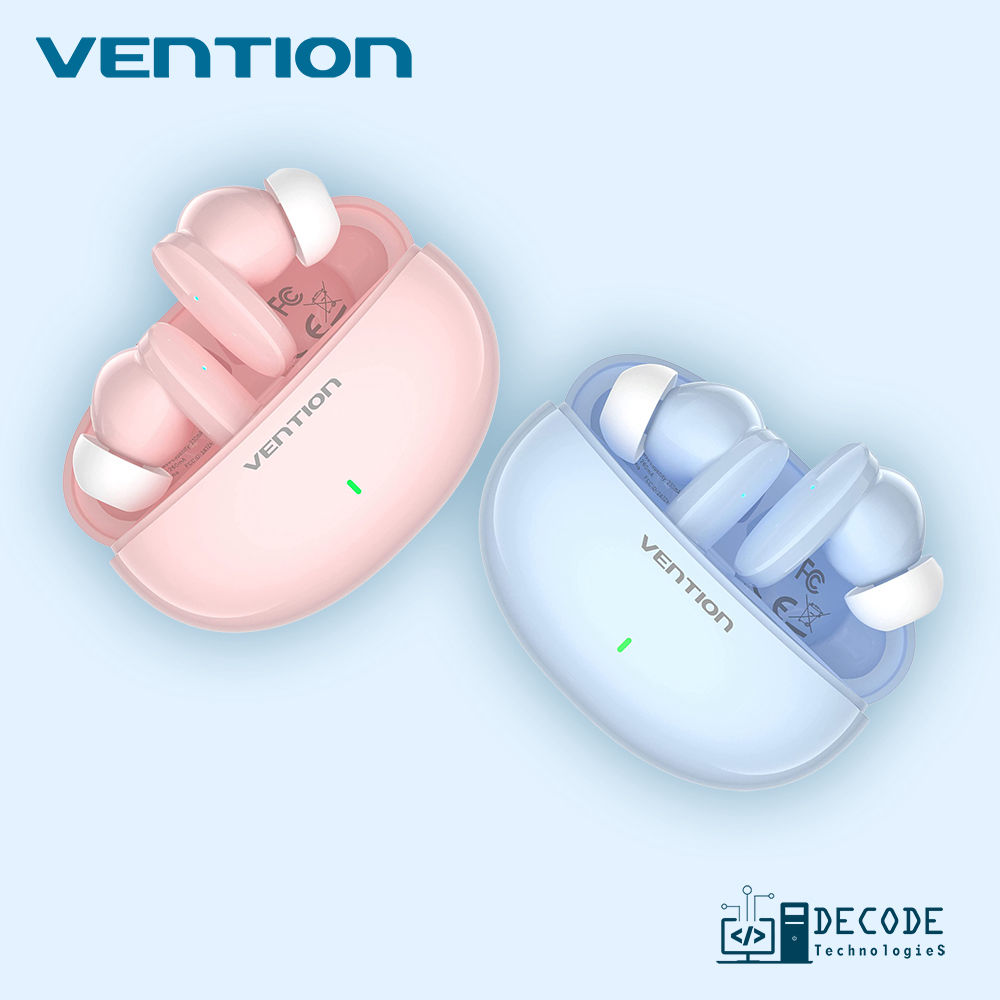
Bluetooth 5.3 for a fast, stable connection and immersive audio. Comfortable fit with optional fins, 10mm drivers, and IPX4 splash resistance. 7 hours of battery (21 with the case), 15-minute USB-C quick charge, and a multi-function button for easy control.
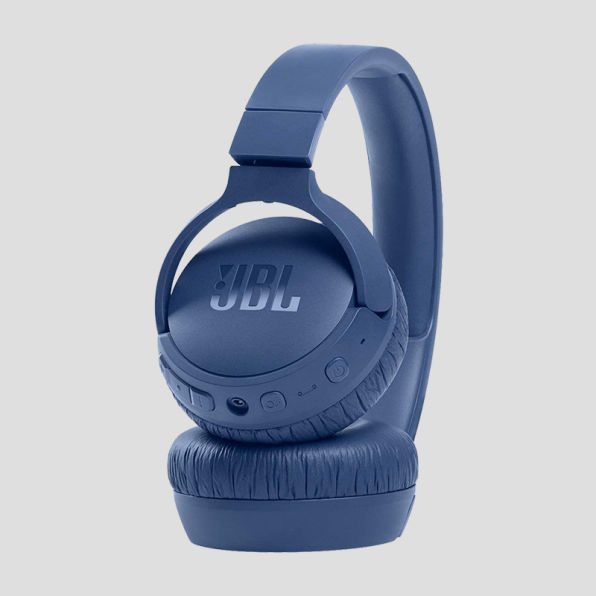
Cushioned, cord-free over-ear sound built for comfortable, extended listening.
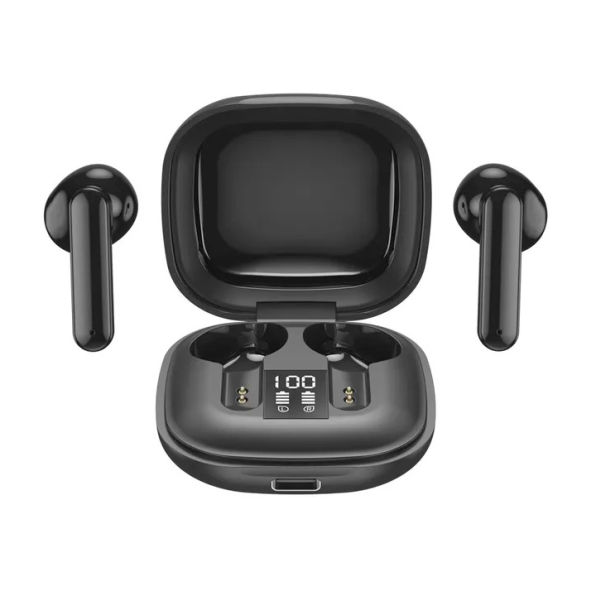
Compact, cable-free in-ear pods for convenient music and calls on the go.
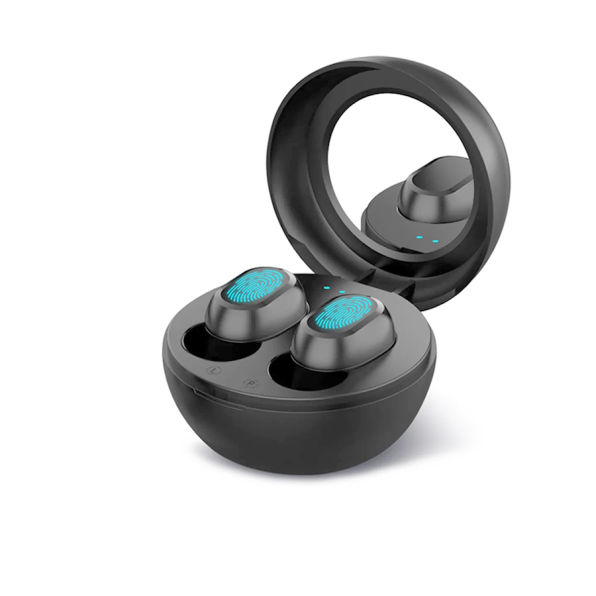
Compact, snug-fitting in-ear buds, perfect for active, on-the-go lifestyles.
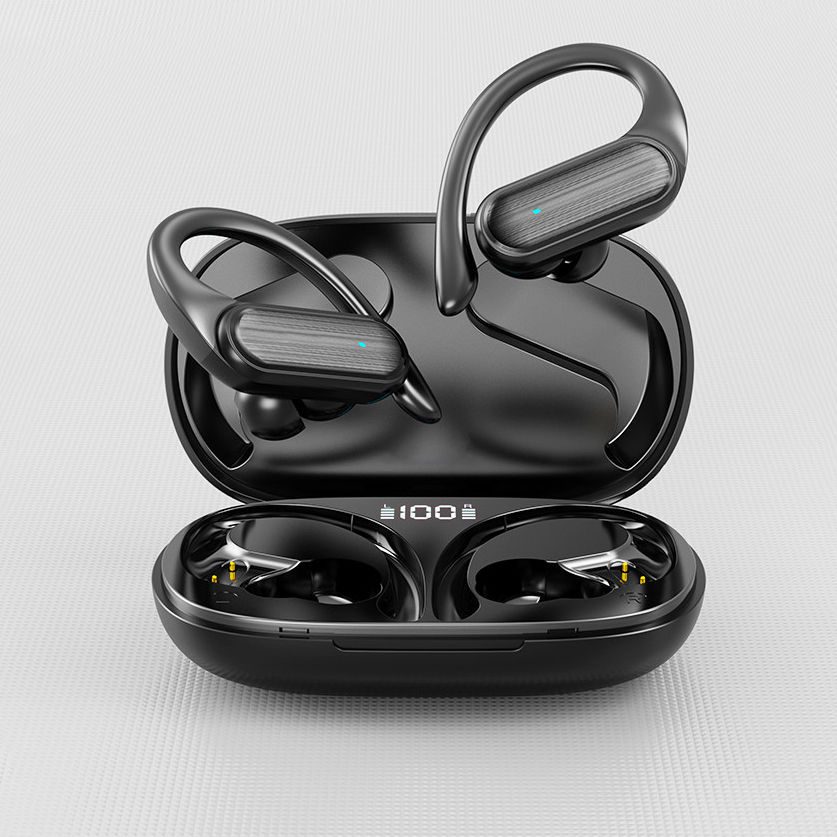
Secure, sweat-resistant fit for hands-free music during workouts and outdoor activity.
Tell us what you've got and what's slow, and we'll point you at the right upgrade.